
AMALAN TEMPAT KERJA
Effective Paper-Saving Strategies for Malaysian Offices
Reduce waste with duplex printing, print preview, scan-to-email, digital storage and sensible copier controls.
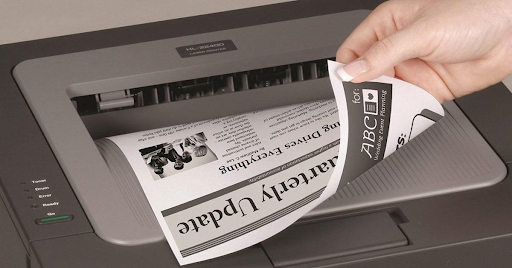
Use less paper by default
- Set duplex printing as the normal office setting.
- Use two or four pages per sheet for drafts and handouts.
- Check print preview for layout errors and blank pages.
- Print only the required page range.
Use digital workflows where practical
- Use scan-to-email or scan-to-folder for sharing.
- Store frequently used records as searchable PDF files.
- Use shared folders or approved cloud storage.
- Keep access and backup rules appropriate for the document.
Track usage and choose suitable equipment
User codes and department reports can identify avoidable printing. A machine with the right scanning and workflow features can reduce both paper consumption and manual handling.